
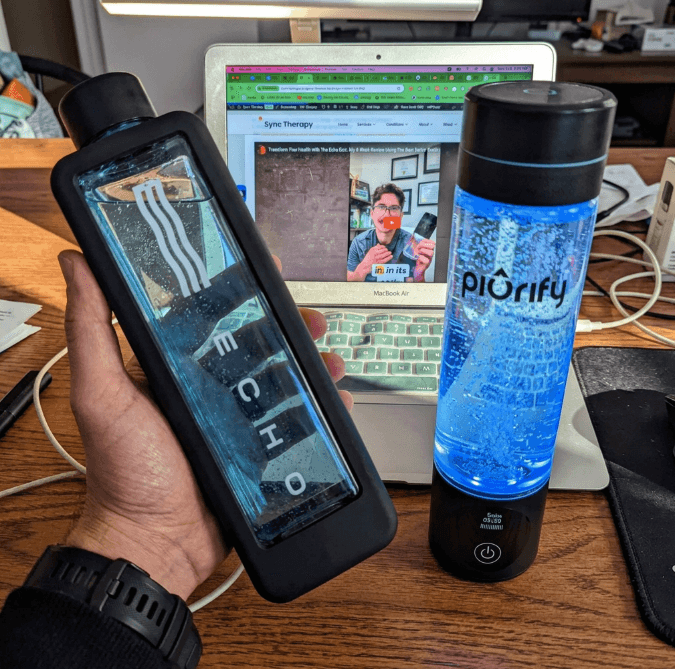
The Echo Flask connects to a companion app for hydration tracking, cycle monitoring, and health integrations. But do you actually need it? Here's what the app does, how to set it up, and how to fix common connection issues.
The Echo Flask works completely without the app. All core features—hydrogen generation, cycle selection, battery monitoring—are available from the built-in touchscreen.
What the Echo Flask App Does
- Hydration tracking: Log and monitor your daily water intake with manual entry support
- Cycle monitoring: View hydrogen generation cycle history and status
- Health integrations: Connect to Apple Health and Google Health for consolidated wellness tracking
- Firmware updates: Receive and install firmware updates (current version: v8.4)
- Device status: Check battery level, connection status, and device health remotely
How to Connect the Echo Flask to the App
- 1Download the Echo Water app from the App Store (iOS) or Google Play (Android)
- 2Make sure Bluetooth is enabled on your phone
- 3Power on the Echo Flask and keep it nearby
- 4Open the app and follow the on-screen pairing instructions
- 5Once paired, the app will check for any available firmware updates
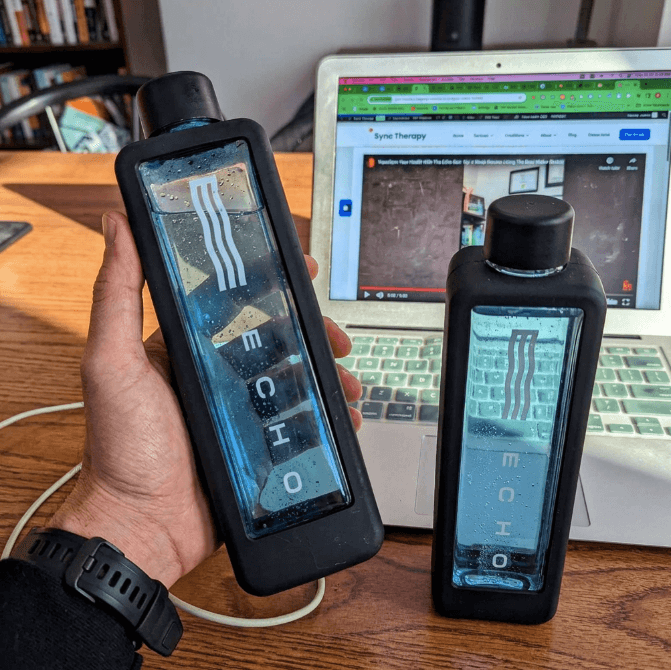
The Echo Flask app interface showing cycle monitoring and device status
Common Connection Issues
App won't find the Echo Flask
- - Make sure Bluetooth is enabled and the Flask is powered on
- - Move the phone within 3 feet of the Flask
- - Close and reopen the app
- - Restart the Echo Flask
Bluetooth keeps disconnecting
- - Check that the app has Bluetooth permissions in your phone settings
- - Remove the device from your Bluetooth list and re-pair
- - Update the app to the latest version
Firmware update stuck or failing
- - Keep the Flask charged above 50% during updates
- - Stay within Bluetooth range throughout the update
- - If it fails, restart both devices and try again
For more device issues, see the full Echo Flask troubleshooting guide.
Is the App Required?
No. The Echo Flask is a fully standalone device. You can select hydrogen cycles, monitor battery life, and use all core features directly from the built-in touchscreen. The app is an optional addition for people who want hydration tracking, health integrations, or remote monitoring.
That said, it's worth connecting at least once to check for firmware updates. Firmware updates can improve hydrogen generation performance and fix known issues.
More Echo Flask Guides
- → Echo Flask Review — Full specs, pros, cons, and verdict
- → Echo Flask Cleaning — Step-by-step cleaning guide
- → Echo Flask Battery Life — Cycles, charge time, and travel use
Buy Echo Flask
Use code: SYNCTHERAPY for 15% off
Get Echo Flask (15% Off)Free shipping on orders over $99 | 5-year warranty included